
01
无需账号
安装后即可开始保存工作文本,不需要先经过注册流程。
查看真实工作场景中的扩展。
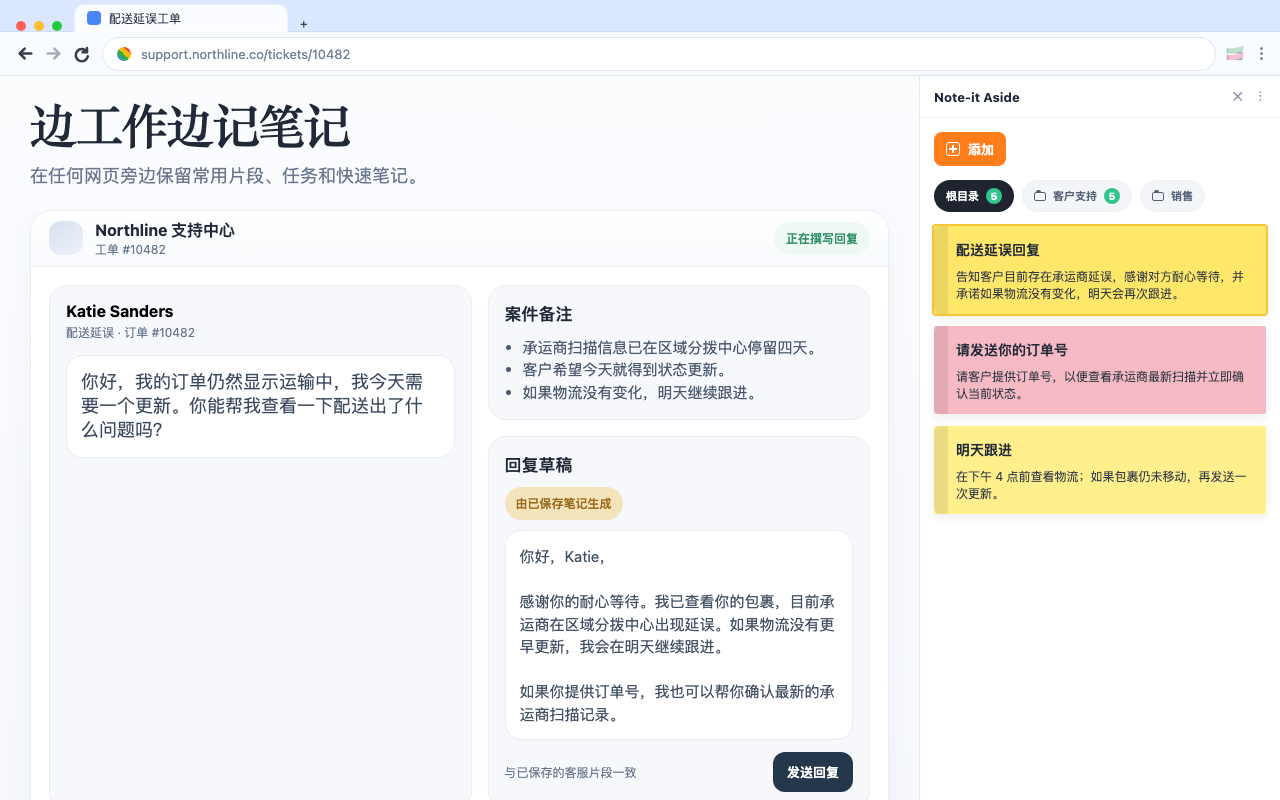
产品故事很简单:保存、整理、复用、共享和备份,而且始终留在浏览器工作流里。
为什么更顺手
01
安装后即可开始保存工作文本,不需要先经过注册流程。
02
先把笔记保存在浏览器里,只有需要时才使用分享或备份。
03
产品始终贴着当前页面,你的片段和笔记不会在工作时消失。
Localized screenshots
产品故事很简单:保存、整理、复用、共享和备份,而且始终留在浏览器工作流里。
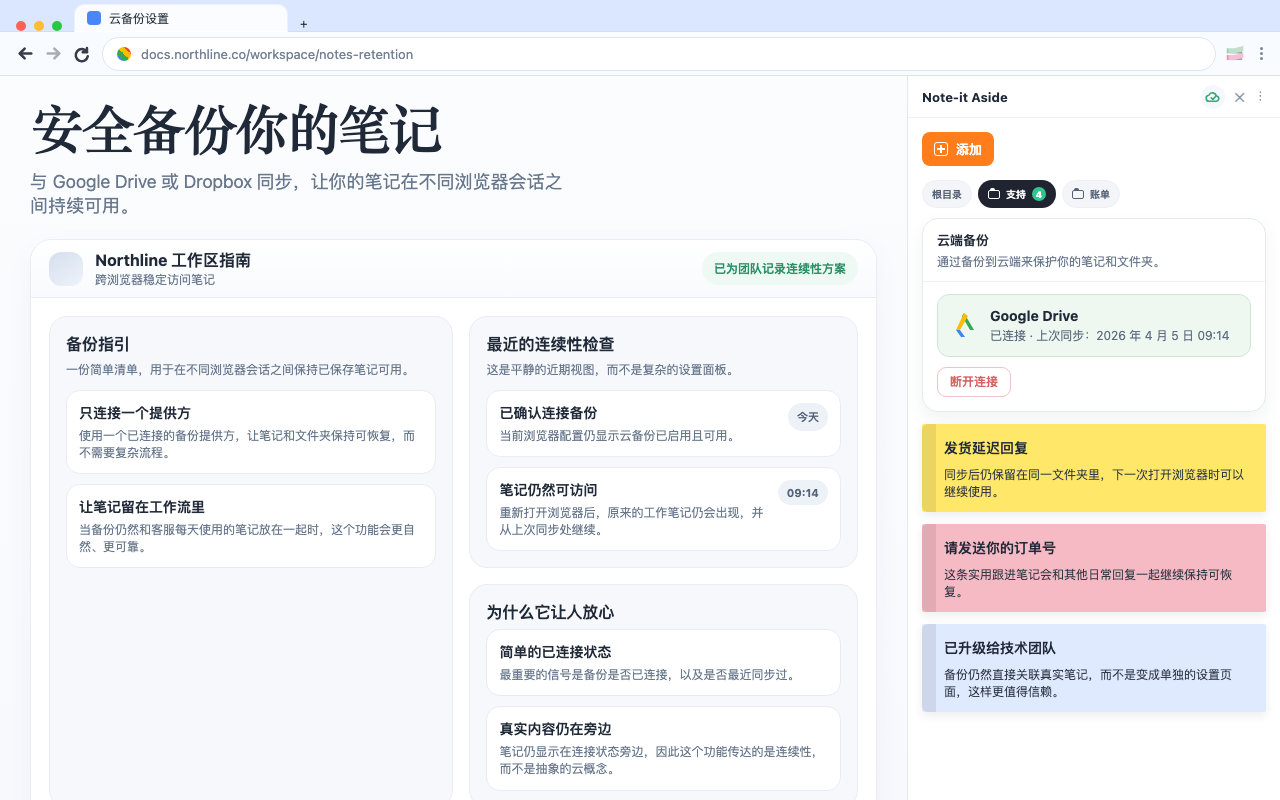
选择工作场景
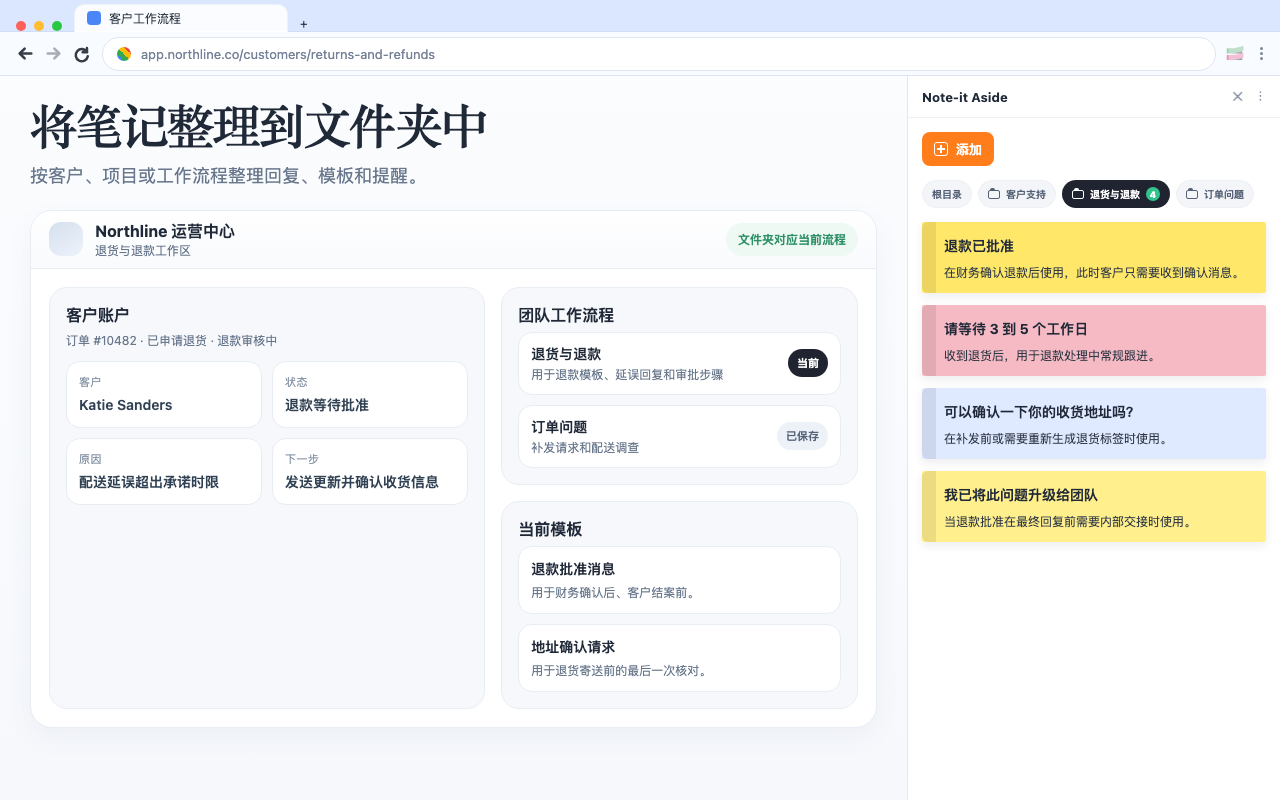
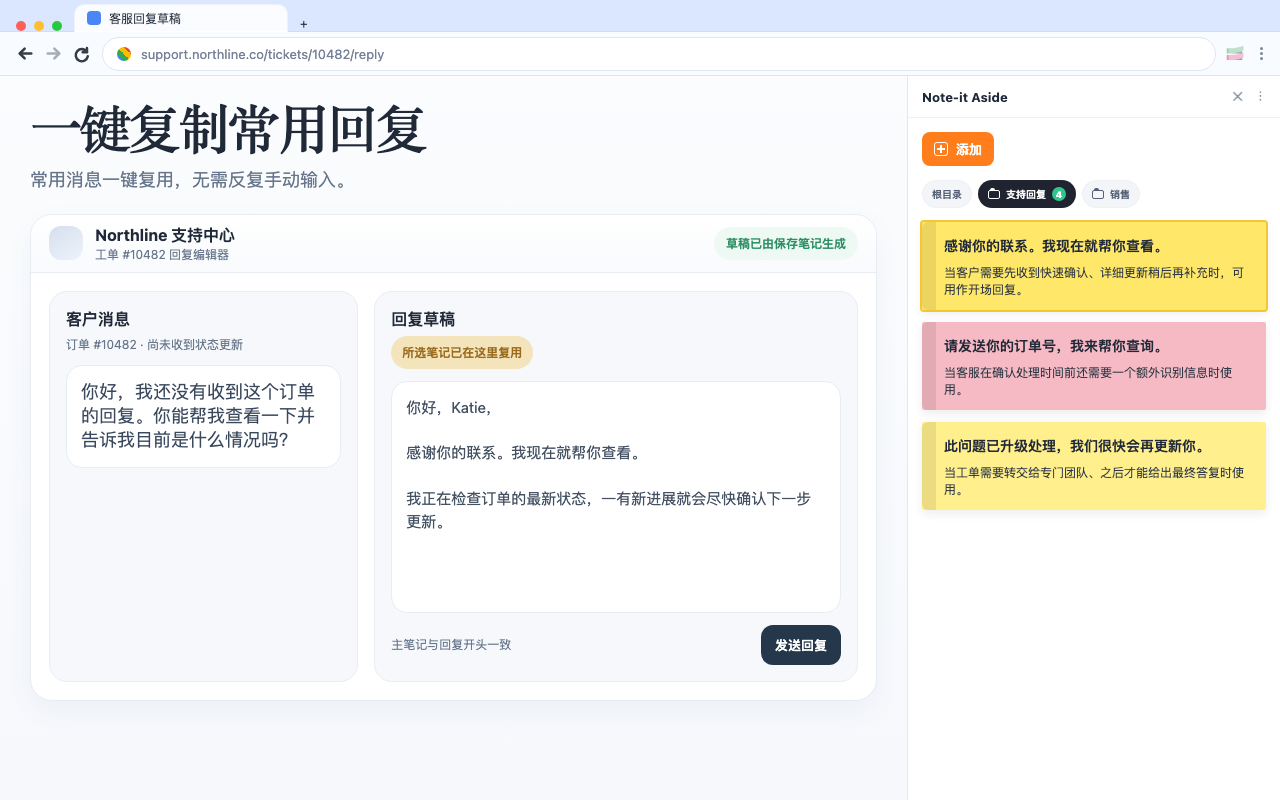
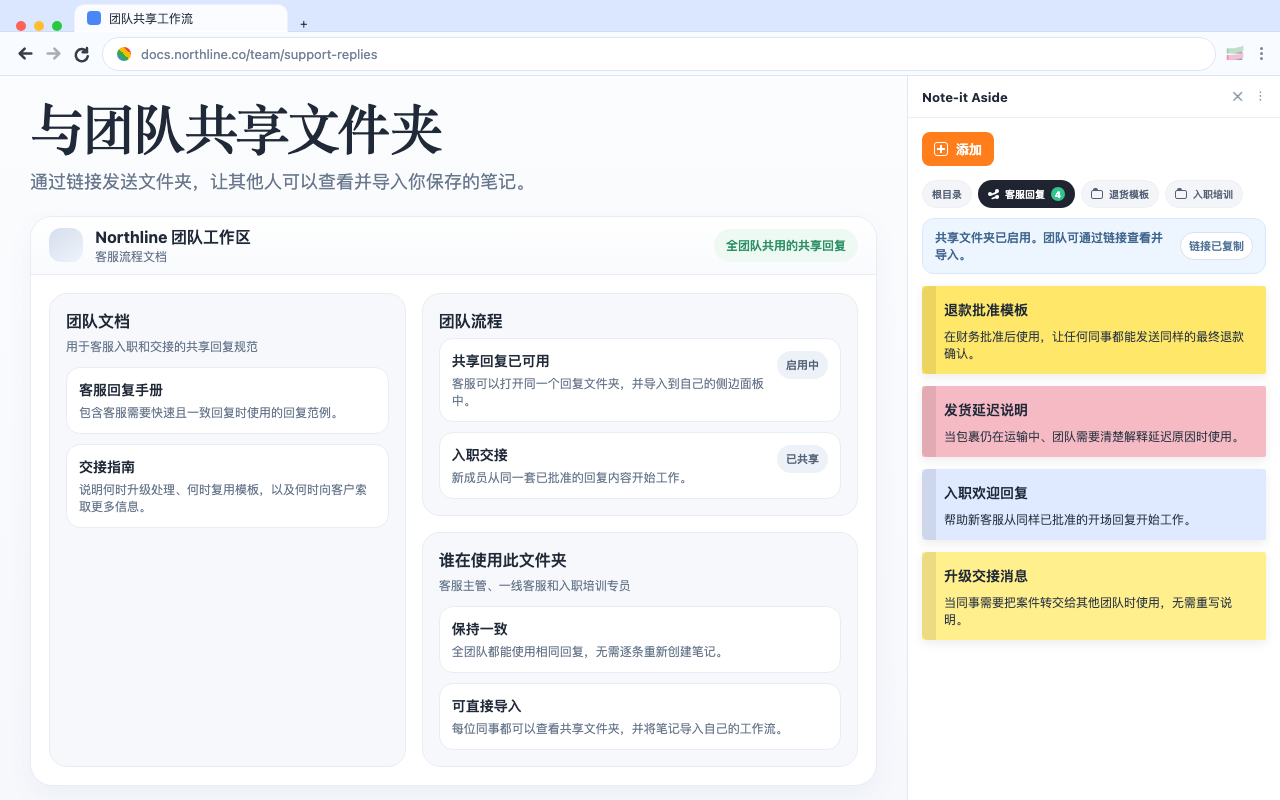
同一个扩展可以服务不同流程:客服、销售和电商后台各有不同重点。
Comparison
If your team mainly needs reusable replies, quick notes, and foldered snippets beside the page, a lighter browser-side setup can be enough.
Customer support
Support work gets faster when the replies you use every day stay visible beside the ticket instead of buried in docs or old tabs.
E-commerce
For many store teams, the best workflow is not a big help desk layer. It is a clean side panel with the replies and notes you need right beside the admin.
Ver 0.1
Keep notes open beside any webpage
Group text into folders by workflow
Reuse repeated replies quickly
Share and back up important collections