
01
不需要帳號
安裝後就能開始保存工作文字,不需要先完成註冊流程。
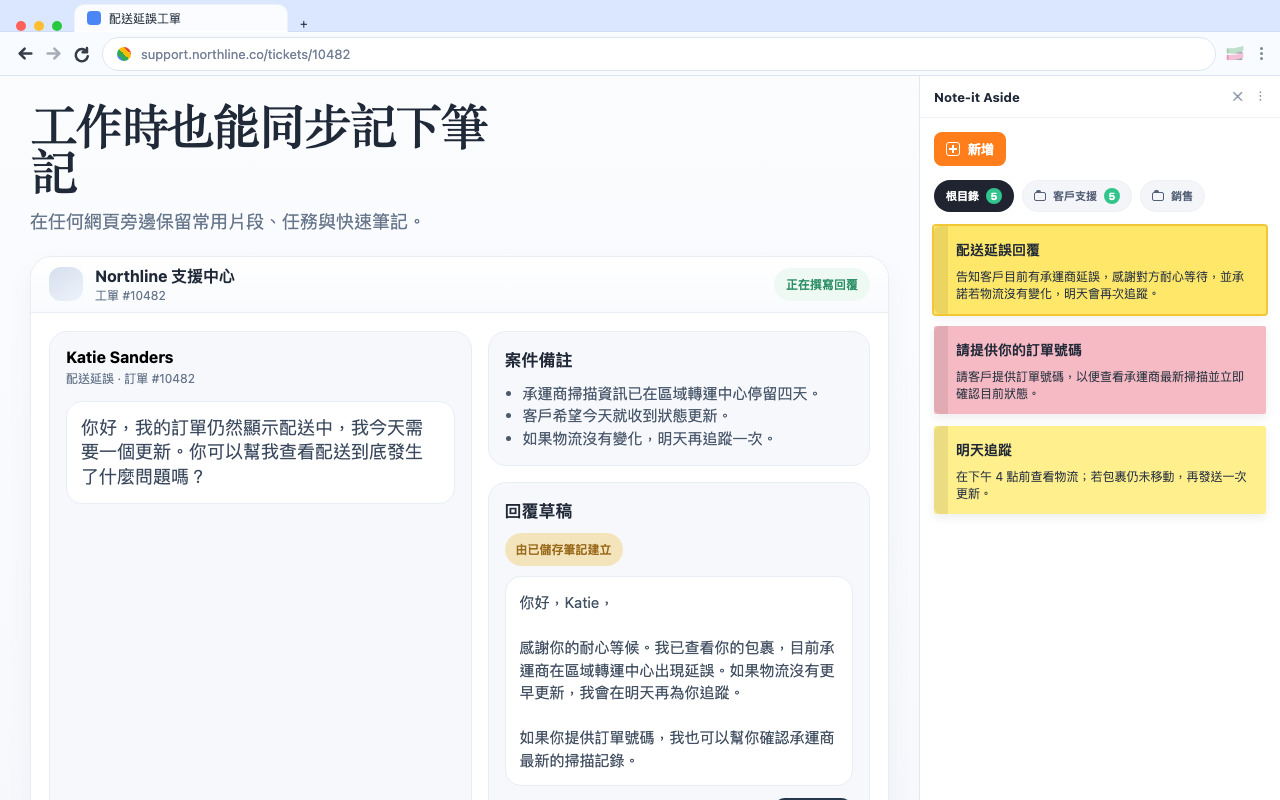
看看擴充功能在真實工作中的樣子。
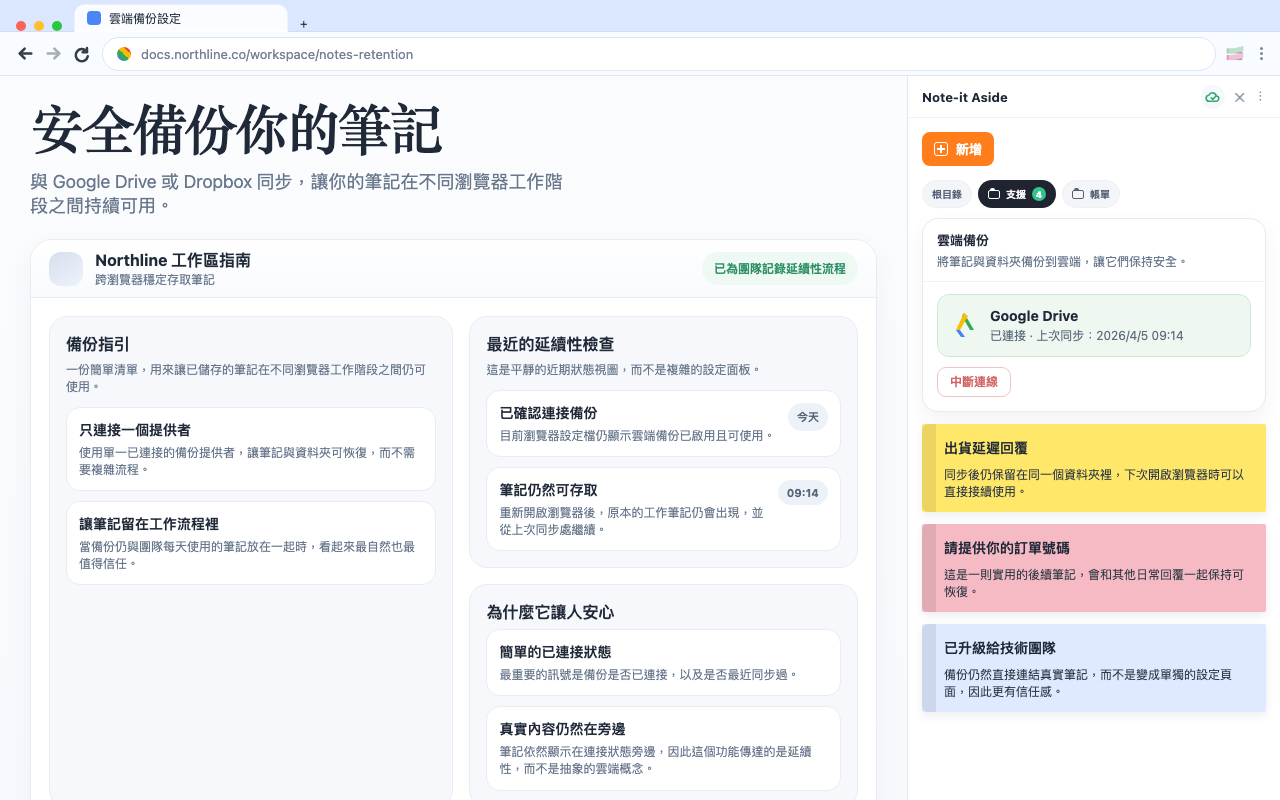
保存、整理、重用、分享與備份,全都留在瀏覽器工作流程裡完成。
為什麼更順手
01
安裝後就能開始保存工作文字,不需要先完成註冊流程。
02
筆記先保存在瀏覽器裡,只有需要時才使用分享或備份。
03
產品始終貼著目前頁面,工作時筆記與片段都能保持可見。
Localized screenshots
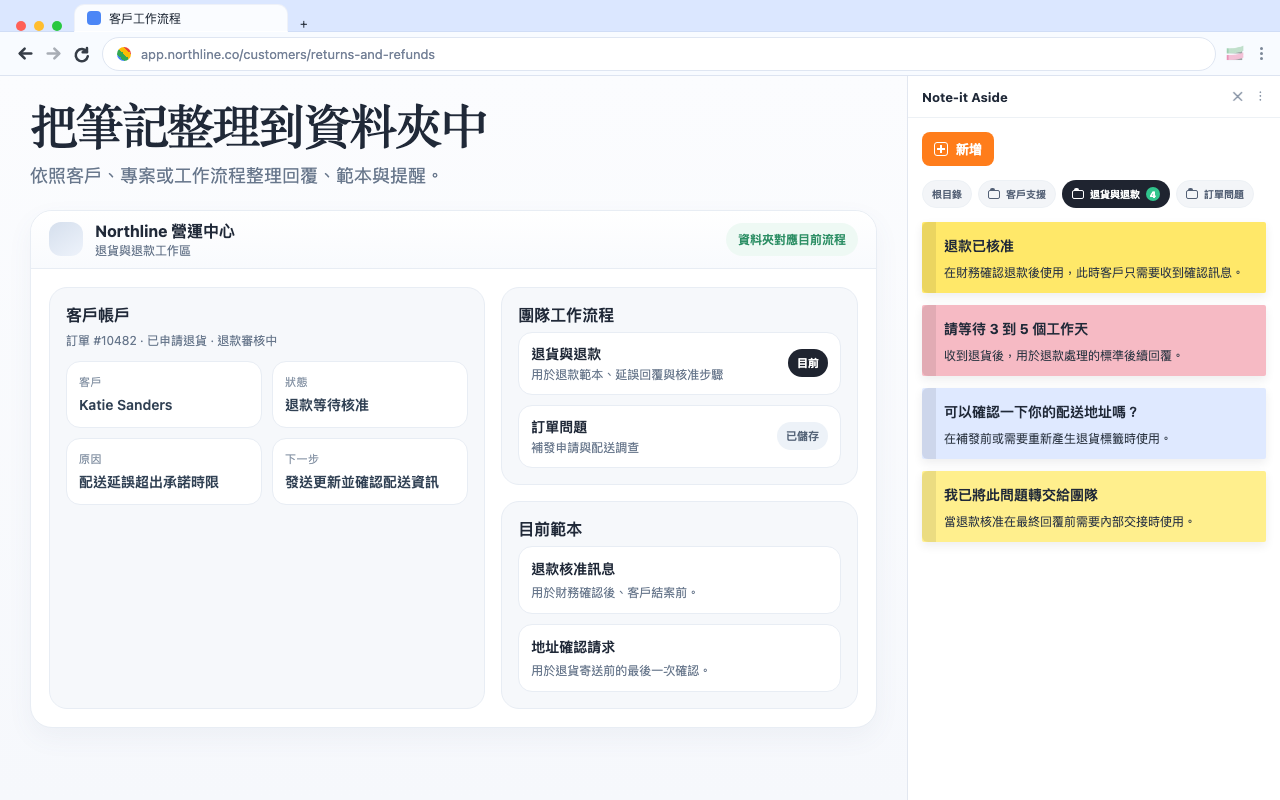
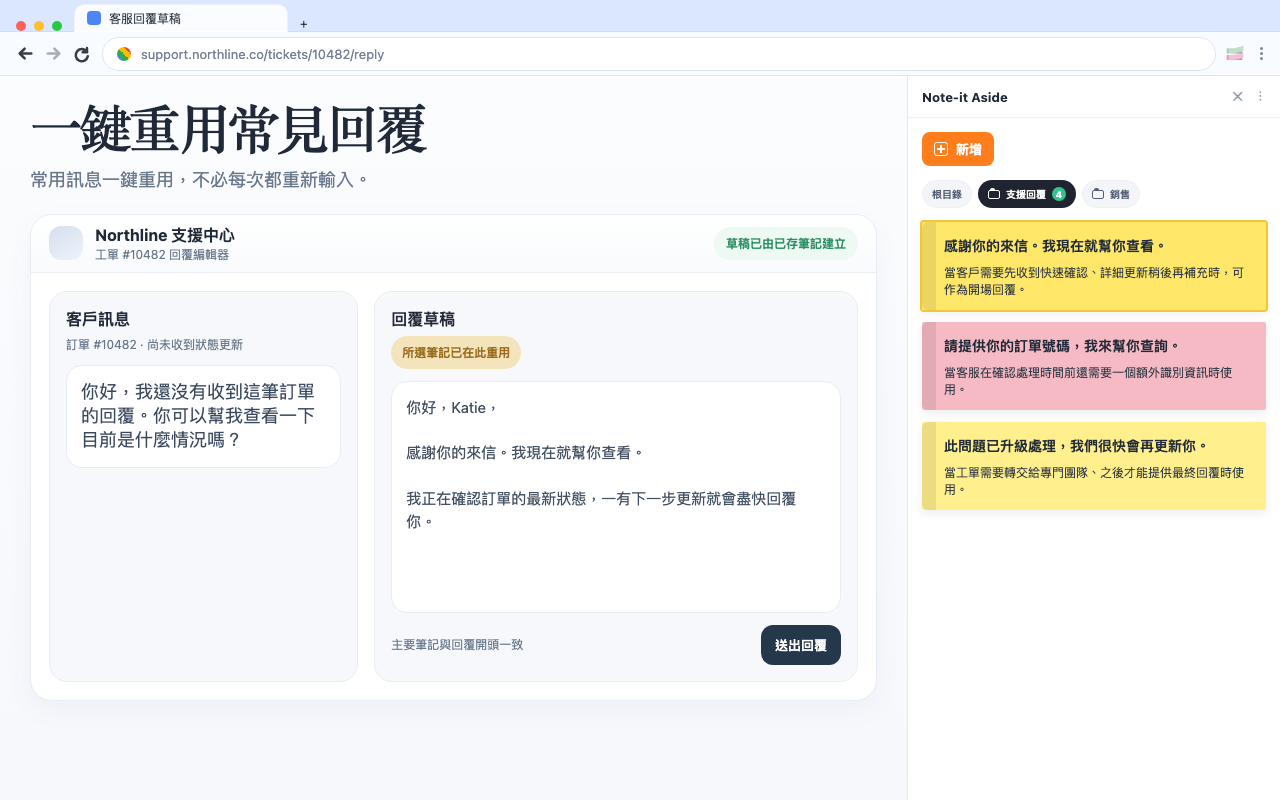
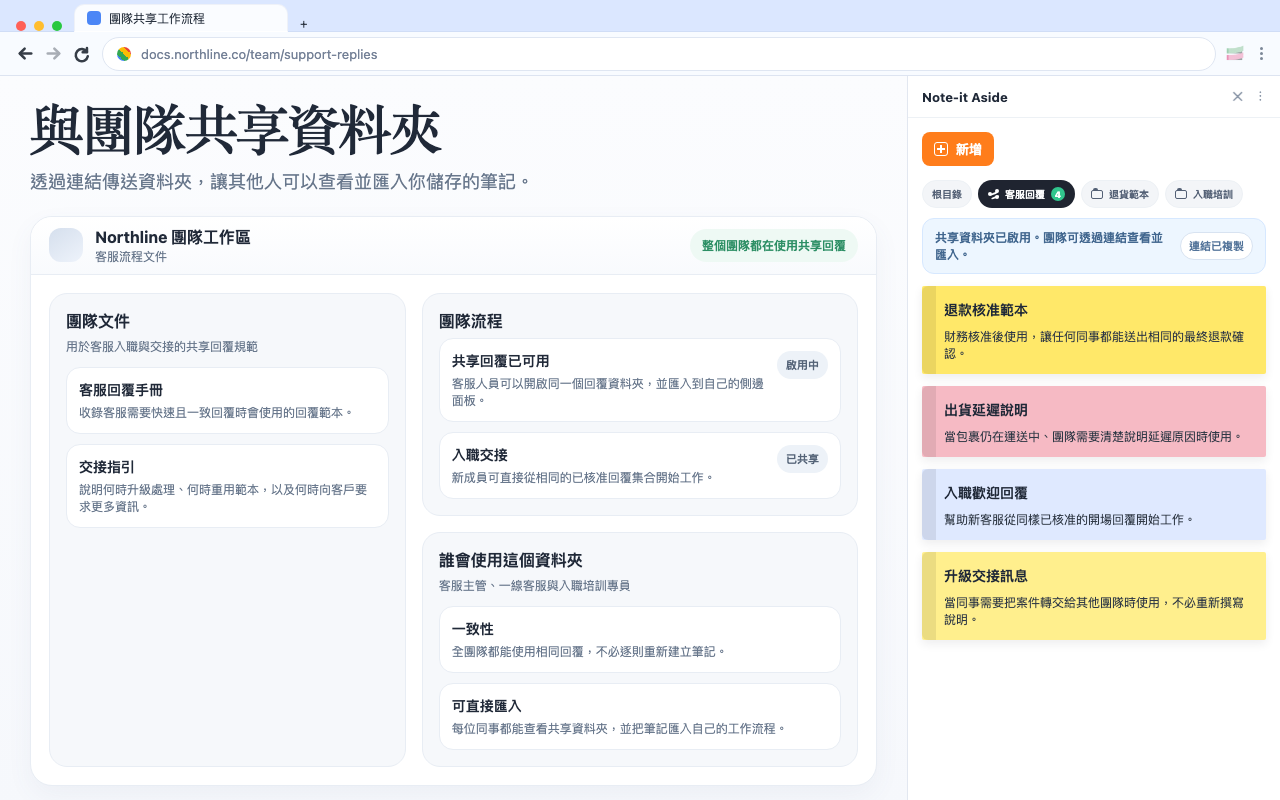
保存、整理、重用、分享與備份,全都留在瀏覽器工作流程裡完成。
選擇你的工作情境
同一個擴充功能在客服、銷售與電商後台會有不同的重點。
Comparison
If your team mainly needs reusable replies, quick notes, and foldered snippets beside the page, a lighter browser-side setup can be enough.
Customer support
Support work gets faster when the replies you use every day stay visible beside the ticket instead of buried in docs or old tabs.
E-commerce
For many store teams, the best workflow is not a big help desk layer. It is a clean side panel with the replies and notes you need right beside the admin.
Ver 0.1
Keep notes open beside any webpage
Group text into folders by workflow
Reuse repeated replies quickly
Share and back up important collections